Start with what matters
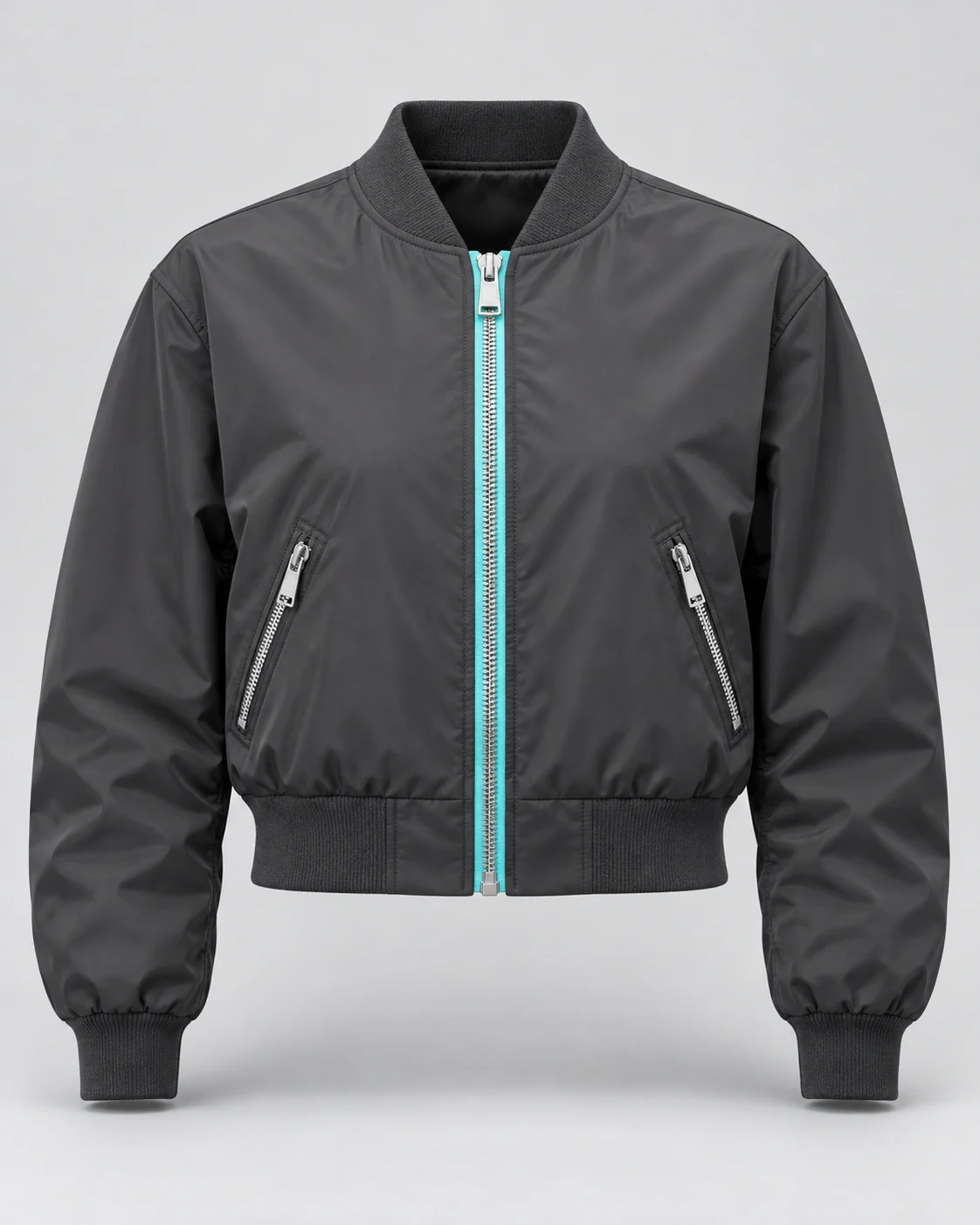
Gather the product views that explain its shape, finish and distinctive details. Keeping those references with the product gives every new composition a clear starting point.
 ScrimWorkProducts / People / Possibilities
Your creative workspace
A coherent campaign starts with a clear connection between the product, the idea and the images you choose to keep. ScrimWork's app preview introduces a workspace built around that connection, with live generation still to come.
Synthetic campaign examples
Workspace preview. Actual app captures are pending; live generation and checkout are not yet available.
Studio
Gather the product views that explain its shape, finish and distinctive details. Keeping those references with the product gives every new composition a clear starting point.
Decide whether the product stands alone or shares the scene with a model, then shape the setting and composition. The intended paid workflow shows supported options and their credit cost before you approve generation.

Review creative variations alongside the references that informed them and identify the versions you want to keep. The preview explains this workflow while generation and checkout controls remain unavailable.

Live generation is not yet enabled. You can explore the workspace and the planned product-to-review workflow.
In the ScrimWork app, with product references, creative choices and output review brought into one workspace.